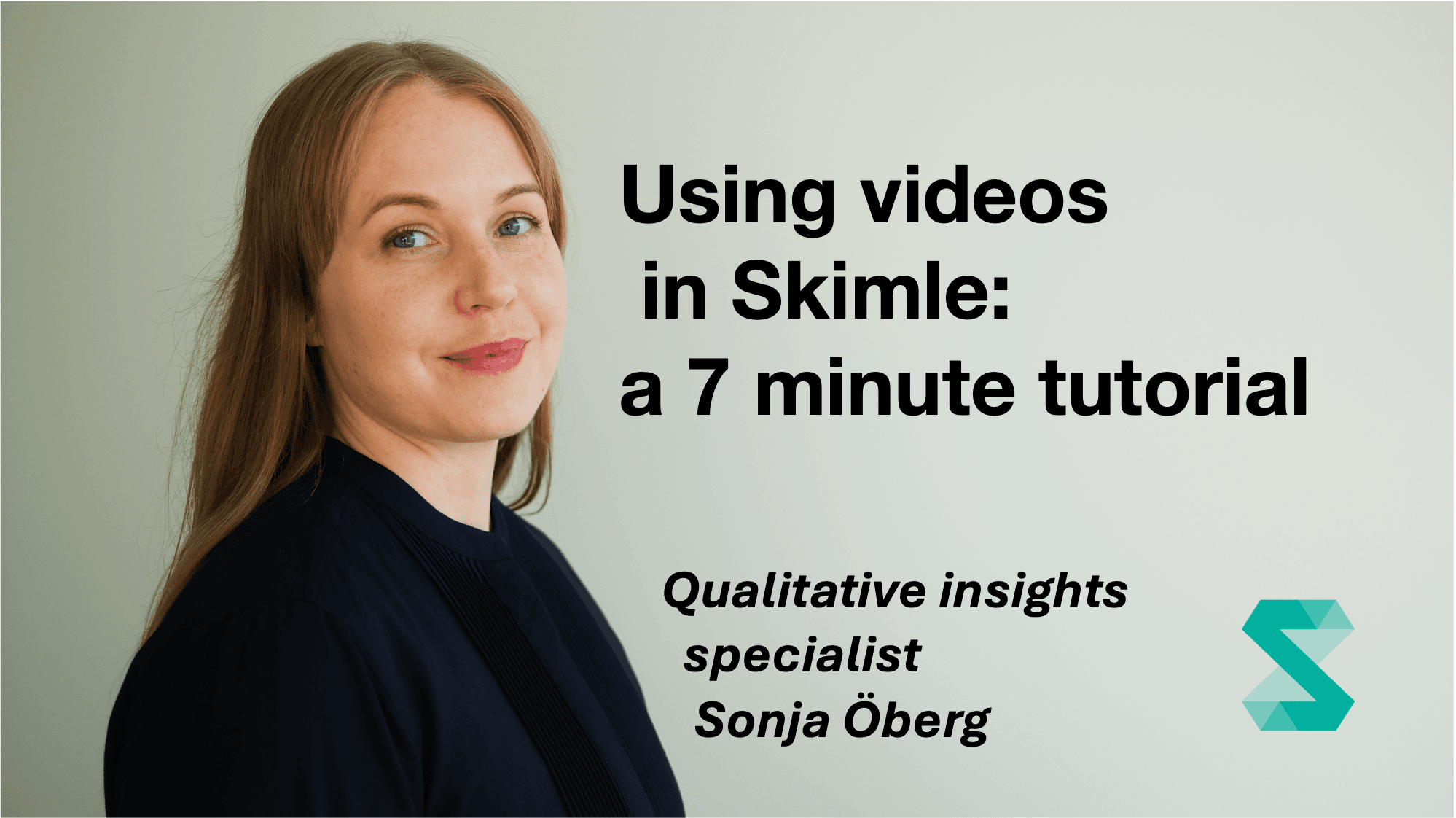
Using videos in Skimle: a 7 minute tutorial
Présenté par Sonja Öberg7 minutes

Using videos in Skimle: a 7 minute tutorial

You can upload and transcribe videos with Skimle, and then analyse them with full transparency to the exact quotes and playback of the media file. In this short webcast Sonja shows how it works, using EU banana curvature as the topic to investigate.

In this quick introduction to Skimle, our Qualitative Insights Specialist Sonja Öberg shows how to upload videos and analyse them using the default Identified themes settings. This creates an overview of the topic in an easily navigable category tree, so you can see what the video material covers. Clicking a category opens a summary, and clicking any quote plays the video from exactly the right spot, so you get the full context.

What you'll learn:

  • Uploading videos to Skimle
  • How full transparency down to the video file works
  • Whether banana curvature is all the EU talks about

Who this is for: People new to Skimle who want to see the video transcription and playback features in action.

Explorez vos données en profondeur avec Skimle

Skimle collecte, analyse et catégorise automatiquement entretiens, réponses d'enquête, rapports et autres données qualitatives. Notre logiciel d'analyse qualitative nouvelle génération allie un flux de travail rigoureux et transparent à la rapidité de l'IA.

Importez du texte ou de l'audio, retirez les données sensibles avec Skimle Anonymise, créez automatiquement catégories et sous-catégories, explorez vos données à travers tous les documents et exportez-les pour qu'elles s'intègrent naturellement à votre façon de travailler. Conçu par des professionnels pour des professionnels, dans le respect total de la vie privée et du RGPD.

Essai gratuit · Sans carte bancaire · Formules complètes à partir de 20 €/mois