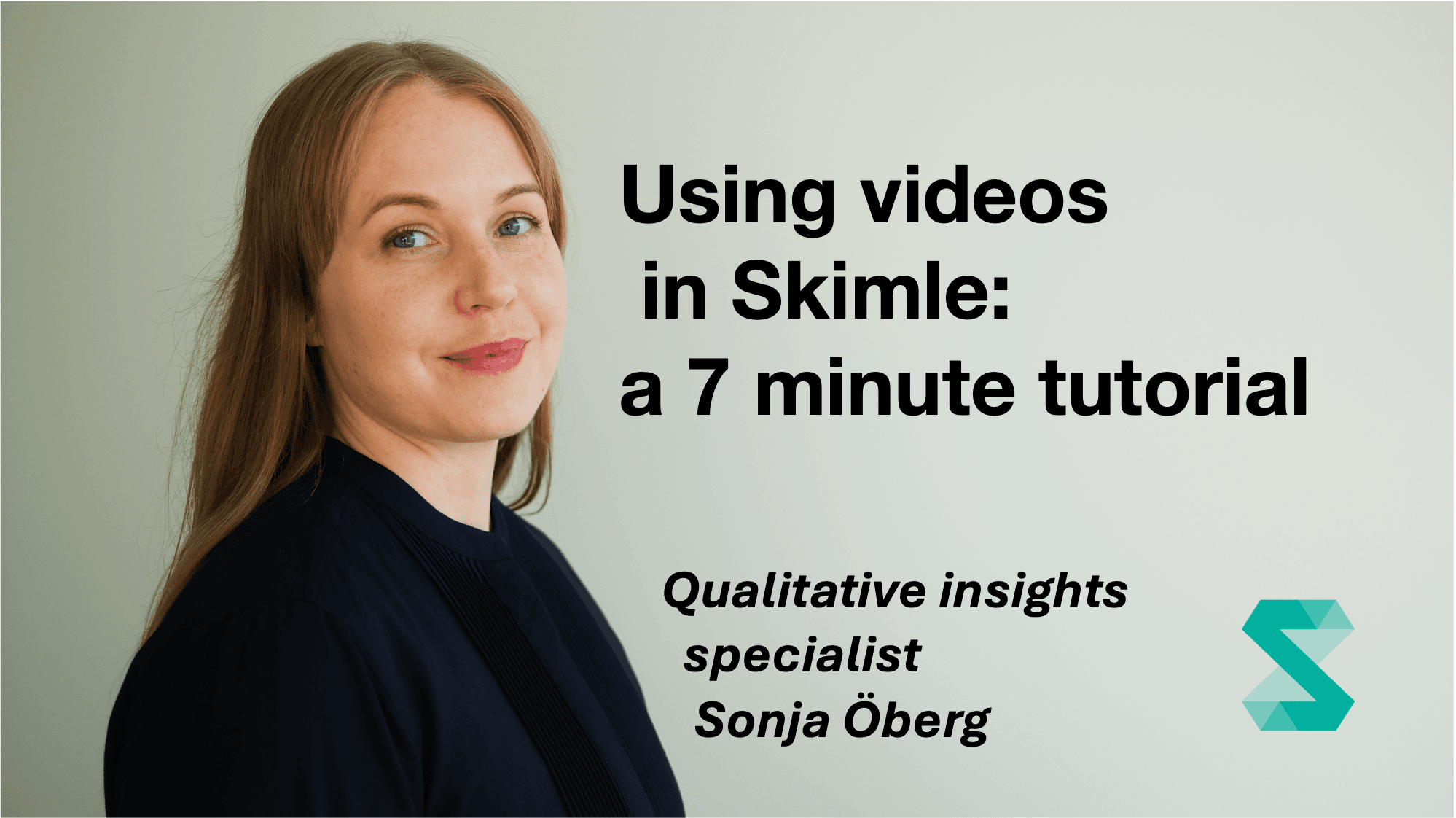
Using videos in Skimle: a 7 minute tutorial
Prowadzący Sonja Öberg7 minutes

Using videos in Skimle: a 7 minute tutorial

You can upload and transcribe videos with Skimle, and then analyse them with full transparency to the exact quotes and playback of the media file. In this short webcast Sonja shows how it works, using EU banana curvature as the topic to investigate.

In this quick introduction to Skimle, our Qualitative Insights Specialist Sonja Öberg shows how to upload videos and analyse them using the default Identified themes settings. This creates an overview of the topic in an easily navigable category tree, so you can see what the video material covers. Clicking a category opens a summary, and clicking any quote plays the video from exactly the right spot, so you get the full context.

What you'll learn:

  • Uploading videos to Skimle
  • How full transparency down to the video file works
  • Whether banana curvature is all the EU talks about

Who this is for: People new to Skimle who want to see the video transcription and playback features in action.

Zagłęb się w swoje dane ze Skimle

Skimle automatycznie zbiera, analizuje i kategoryzuje wywiady, odpowiedzi z ankiet, raporty i inne dane jakościowe. Nasze nowoczesne oprogramowanie do analizy jakościowej łączy rzetelny i przejrzysty proces z szybkością AI.

Prześlij tekst lub nagrania audio, usuń wrażliwe dane za pomocą Skimle Anonymise, automatycznie twórz kategorie i podkategorie, eksploruj dane we wszystkich dokumentach i eksportuj je tak, aby płynnie pasowały do twojego procesu pracy. Stworzony przez profesjonalistów dla profesjonalistów, z pełną prywatnością i zgodnością z RODO.

Bezpłatny okres próbny · bez karty kredytowej · pełne plany od 20 € miesięcznie