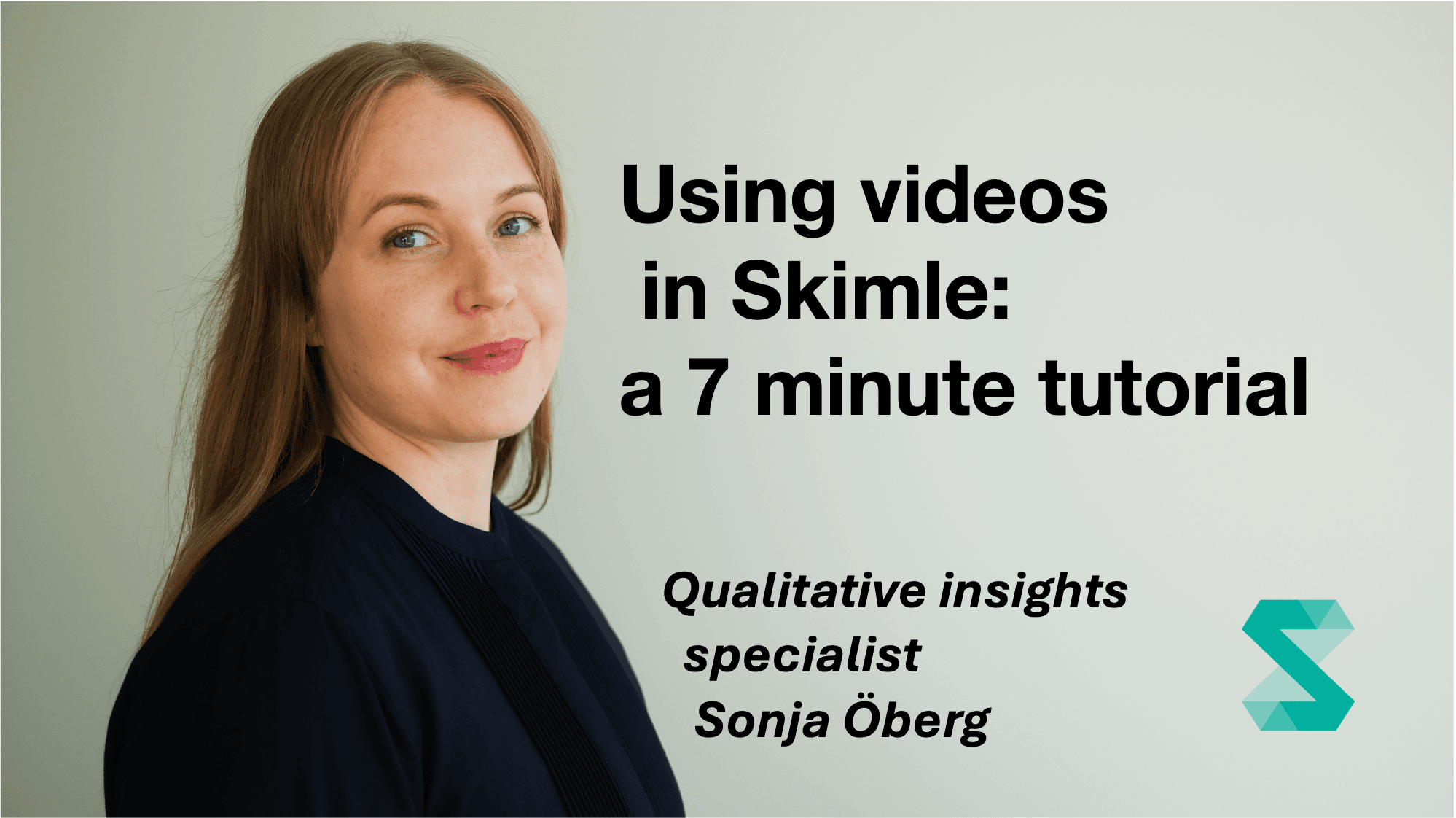
Using videos in Skimle: a 7 minute tutorial
Dibawakan oleh Sonja Öberg7 minutes

Using videos in Skimle: a 7 minute tutorial

You can upload and transcribe videos with Skimle, and then analyse them with full transparency to the exact quotes and playback of the media file. In this short webcast Sonja shows how it works, using EU banana curvature as the topic to investigate.

In this quick introduction to Skimle, our Qualitative Insights Specialist Sonja Öberg shows how to upload videos and analyse them using the default Identified themes settings. This creates an overview of the topic in an easily navigable category tree, so you can see what the video material covers. Clicking a category opens a summary, and clicking any quote plays the video from exactly the right spot, so you get the full context.

What you'll learn:

  • Uploading videos to Skimle
  • How full transparency down to the video file works
  • Whether banana curvature is all the EU talks about

Who this is for: People new to Skimle who want to see the video transcription and playback features in action.

Gali data Anda lebih dalam dengan Skimle

Skimle mengumpulkan, menganalisis, dan mengategorikan wawancara, jawaban survei, laporan, dan data kualitatif lainnya secara otomatis. Perangkat lunak analisis kualitatif modern kami memadukan alur kerja yang ketat dan transparan dengan kecepatan AI.

Unggah teks atau audio, hapus data sensitif dengan Skimle Anonymise, buat kategori dan subkategori secara otomatis, jelajahi data di seluruh dokumen, dan ekspor data agar sesuai dengan alur kerja Anda. Dibuat oleh profesional untuk profesional, dengan privasi penuh dan kepatuhan GDPR.

Uji coba gratis · tanpa kartu kredit · paket lengkap mulai €20 per bulan